YoDraw

A full drawing studio for your tablet.

YoDraw is built for a tablet and a stylus — brushes, layers, masks, liquify, animation and PSD export. Everything runs on the device: no account, no cloud, no subscription.

Android 10 and newer · Rated for everyone · Free to try
  • Works offline — always
  • No account
  • No subscription
  • One purchase, yours forever
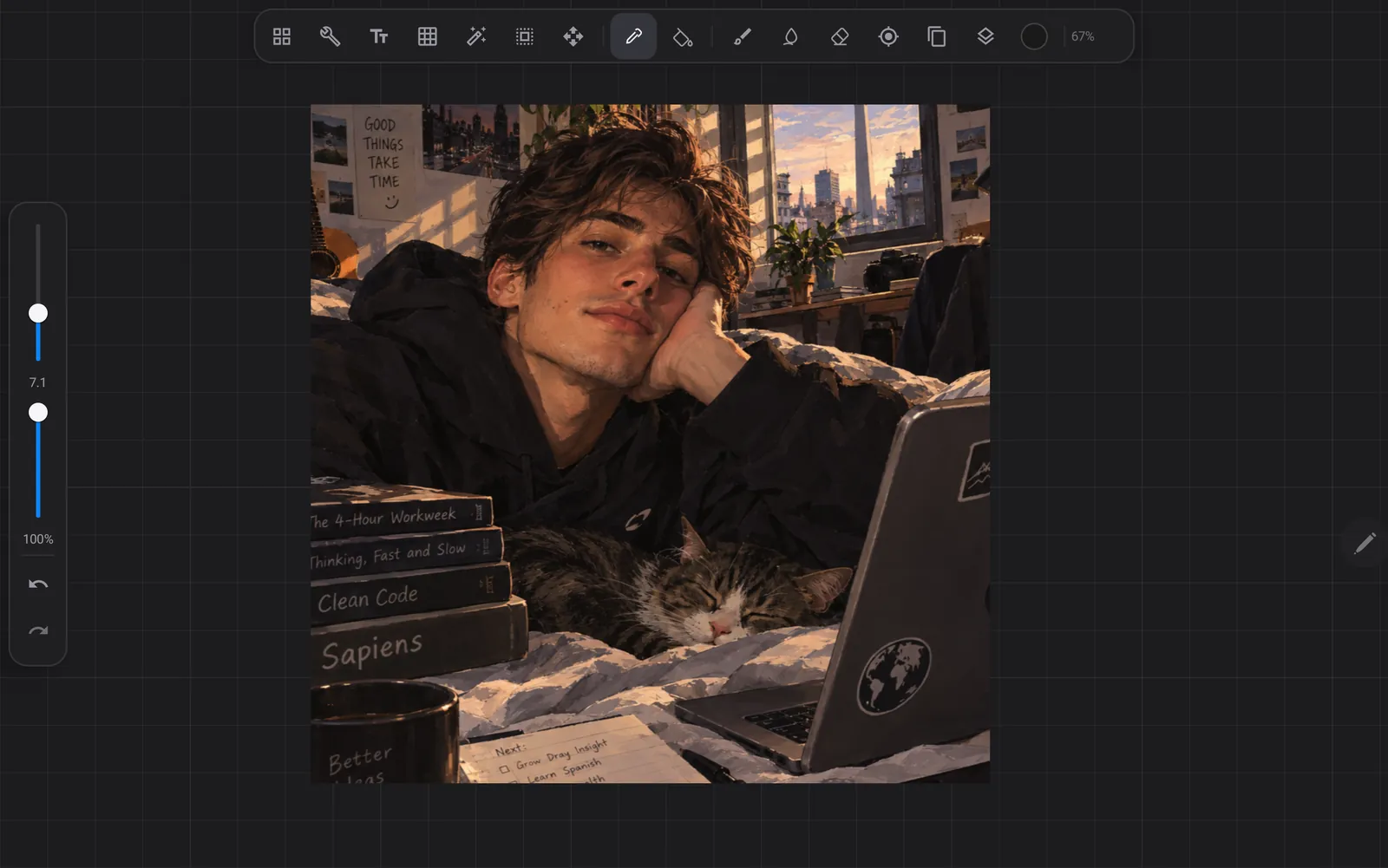
The YoDraw canvas filling the screen. A tool bar sits along the top, size and opacity sliders run down the left edge, and the zoom level reads 67 per cent.
The app's interface, with an image open on the canvas.

What's inside

Everything the demo already gives you.

The free version is the whole app — every brush, every layer, every export format. The only thing a purchase changes is how many artworks the gallery holds.
Brushes

  • A library across sketching, inking, drawing, painting and airbrushing
  • Full editor: shape, grain, spacing, jitter, scatter, wet mix
  • Pressure and tilt response you can shape yourself
  • Import your own shapes and grains

Layers

  • Up to 1000 layers and 26 blend modes
  • Groups with pass-through
  • Layer masks, clipping masks, alpha lock
  • Merge, flatten, duplicate, reorder, rename

Drawing tools

  • Selections: rectangle, ellipse, freehand, automatic, with feathering
  • Move, scale and rotate a layer or a selection
  • Smudge, clone stamp, bucket fill with tolerance
  • QuickShape snaps a held stroke to a clean line, ellipse or polygon

Liquify

  • Push, twirl, pinch, expand
  • Crystals and edge
  • Reconstruct brings the pixels back

Adjustments

  • Curves per channel, levels, colour balance, hue and saturation
  • Gaussian, motion and perspective blur, sharpen, noise, halftone
  • Gradient map, bloom, glitch, chromatic aberration
  • Apply to the whole layer — or paint it in with a brush

Guides and symmetry

  • Grid, isometric, perspective with up to three vanishing points
  • Vertical, horizontal, quadrant and radial symmetry
  • Drawing assist snaps the stroke to the guide

Animation

  • Frame-by-frame timeline with onion skinning
  • Adjustable frame rate and loop modes
  • Export as an animated GIF

Export

  • PNG with transparency, JPEG, TIFF
  • PSD with layers and masks, straight into Photoshop
  • PDF and animated GIF
  • Time-lapse recording of the session

Colour

  • Disc, classic, value and harmony pickers
  • Palettes you can build and rename
  • Import .aco, .swatches and JSON

Made for tablets

  • Pressure and tilt from the stylus, palm rejection
  • Configurable gestures and a radial QuickMenu
  • Editable text layers — change the wording, not just the pixels
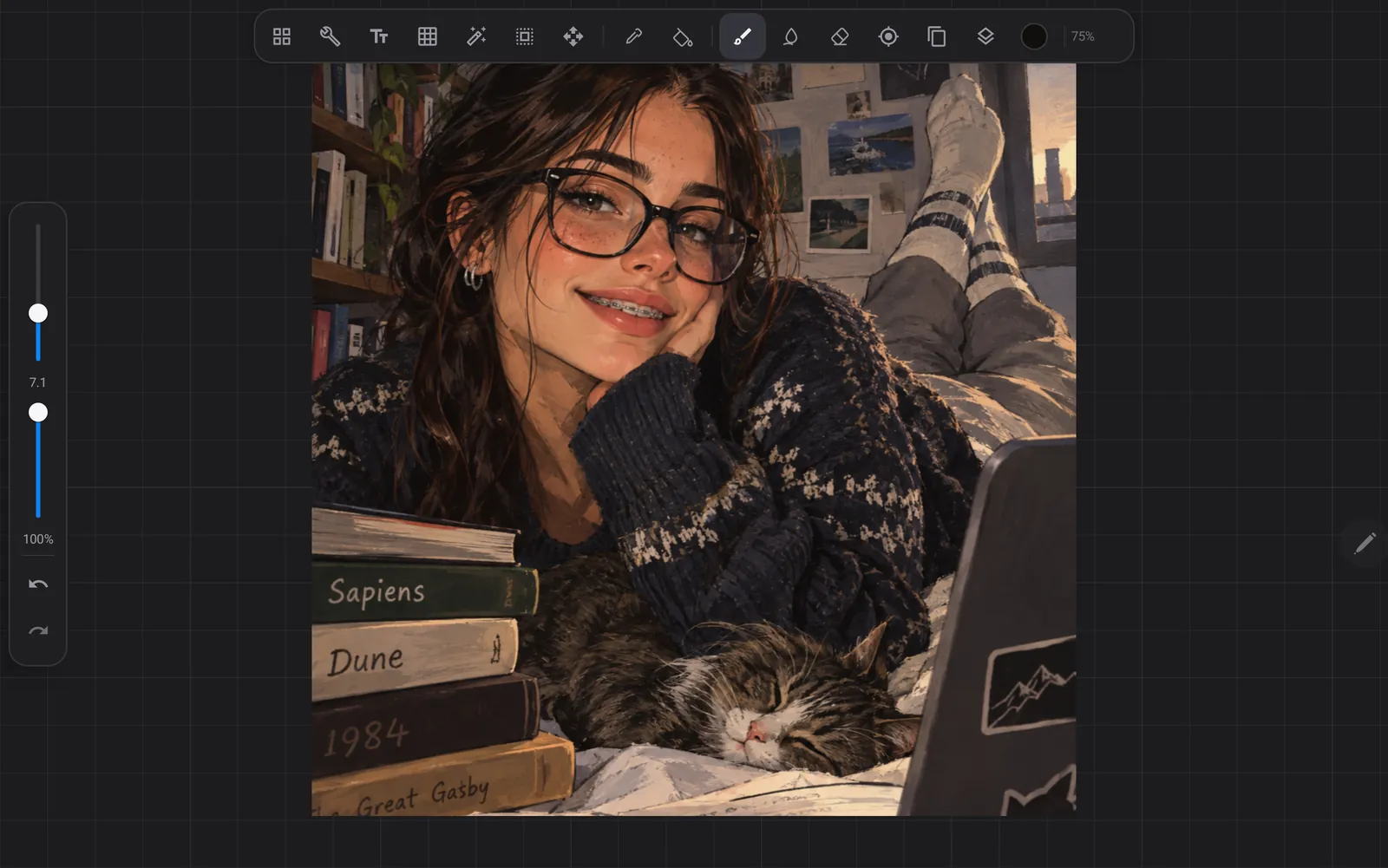
The same canvas with the brush tool selected in the tool bar and the zoom at 75 per cent.

Room to work

Built to not get in the way.

  • 8192²Largest canvas, in pixels
  • 1000Layers per artwork
  • 26Blend modes
  • 6Export formats

Demo and full version

Try all of it. Pay once, if you stay.

Demo

Free

Install it and start drawing. Nothing to sign up for.

  • Every brush, layer and adjustment
  • Every export format, including PSD
  • Three artworks in the gallery

Pay once

YoDraw Full

US$10 once

Not ten a month. There is no subscription, no tier above this one, and nothing else to buy inside the app.

  • As many artworks as the tablet holds
  • Everything the demo already gave you
  • Future updates included
  • No account — the unlock lives on your device
Unlock it on Google Play

Google Play sets the local price; it may differ in your country.

Privacy

Your artwork never leaves the tablet.

YoDraw has no account, no analytics and no advertising, and it collects nothing about you. A network connection is used for exactly two things: buying the full version and restoring that purchase — both handled by Google Play, which reports its own operation to Google the way every Play component does.

Read the privacy policy

Open it and draw.

Android 10 and newer. Made for tablets with a stylus.

Get it on Google Play